




Document Management Solutions for Growing Businesses
A Practical Comparison: SharePoint, Egnyte & M-Files
If You’re Evaluating Document Management Options, You’re Not Alone
Most businesses start with basic file storage. Over time, they run into common issues:
Documents are hard to find
Version control becomes inconsistent
Workflows live in email instead of systems
Compliance requirements increase
AI tools can’t reliably access trusted content
At Anderson Technologies, we take a solution-agnostic approach. We help you evaluate the right document management system (DMS) based on your business goals, compliance requirements, and growth plans.
Below is a clear comparison of three common platforms:
Feature
Best For
Basic file storage within Microsoft 365
SMBs needing structured file sharing
Mid-market & regulated industries
Workflow Automation
Limited without customization
Moderate
Advanced, metadata-driven
Compliance & Governance
Requires E5 + configuration
Good
Built-in automated governance
AI Readiness
Depends on content structure
Moderate
High (context-first architecture)
Integration with Microsoft 365
Native
Connected
Native experience
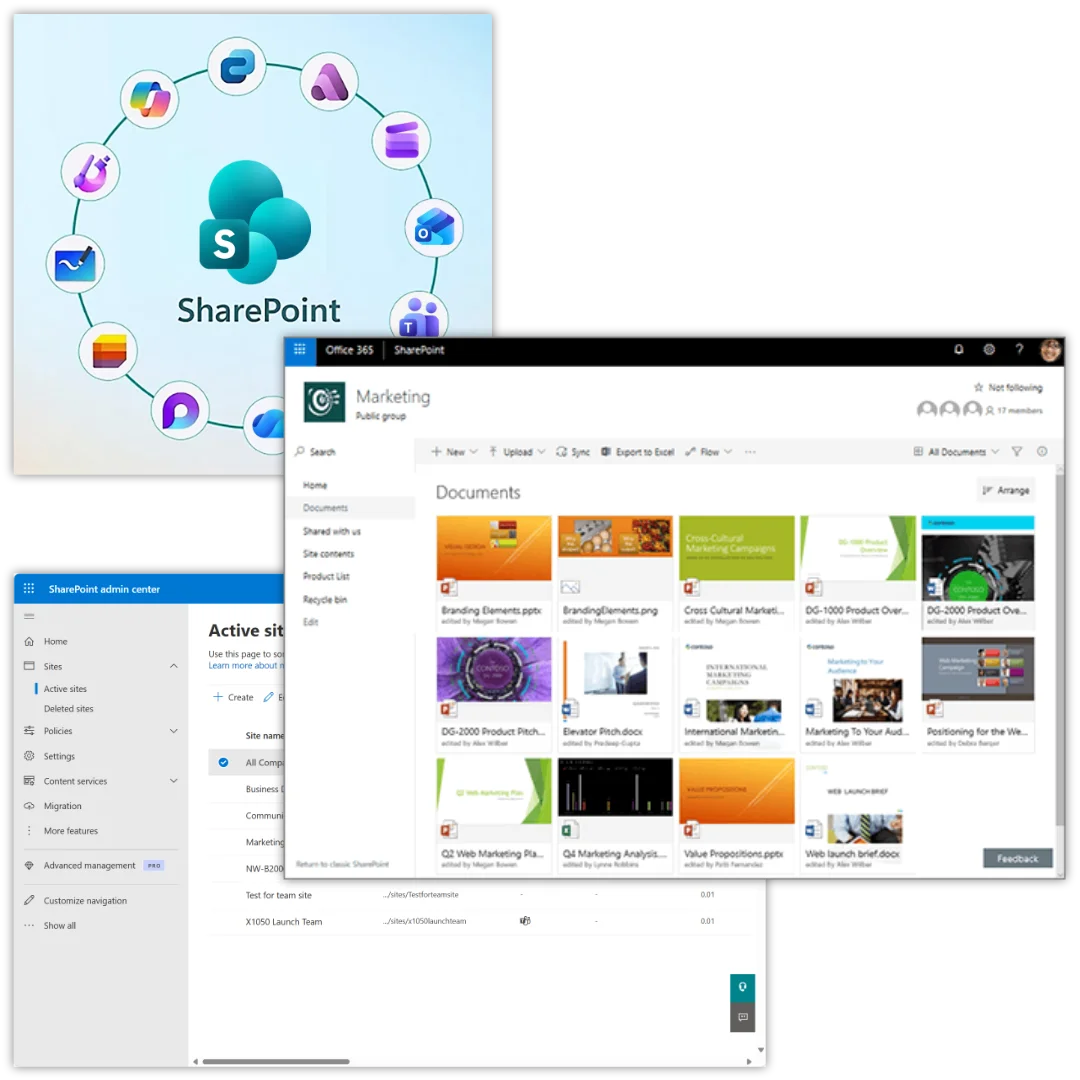
Where SharePoint Works Well
SharePoint is included in Microsoft 365, which makes it the default starting point for many organizations.
It’s ideal for:
Internal team collaboration
Simple document libraries
Intranet sites
Basic version control
Businesses fully standardized on Microsoft
If your needs are relatively straightforward file sharing, collaboration, and basic structure – SharePoint may be sufficient.
Where Egnyte Fits
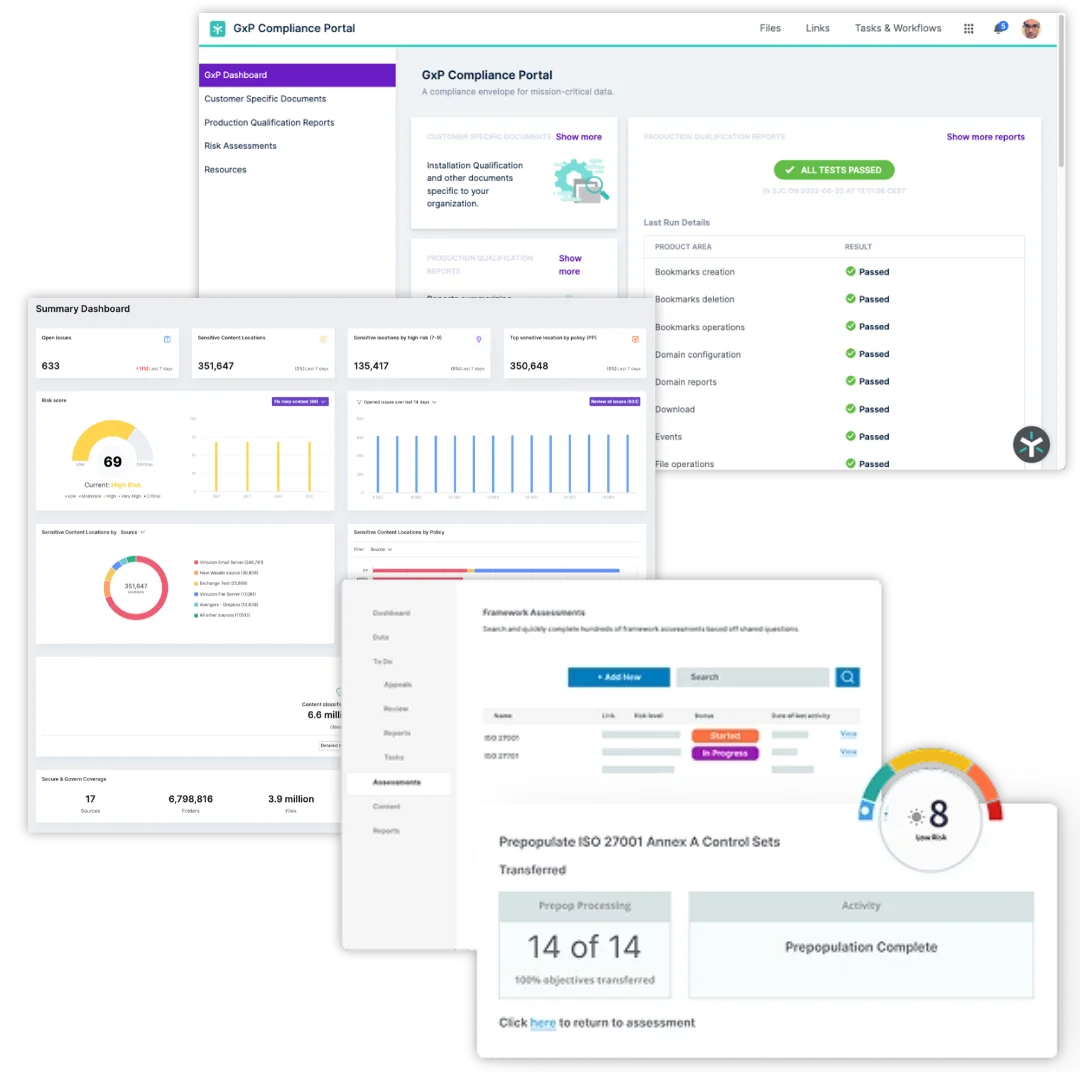
Egnyte is a strong option for SMBs that need more structure than SharePoint but aren’t yet dealing with enterprise-level compliance demands.
It’s well suited for:
Hybrid cloud storage environments
File-heavy industries such as, legal firms, manufacturing or healthcare
Companies needing tighter external sharing controls
SMBs with moderate governance requirements
Egnyte offers structured file organization and good collaboration capabilities.
Why Mid-Market & Regulated Businesses Choose M-Files
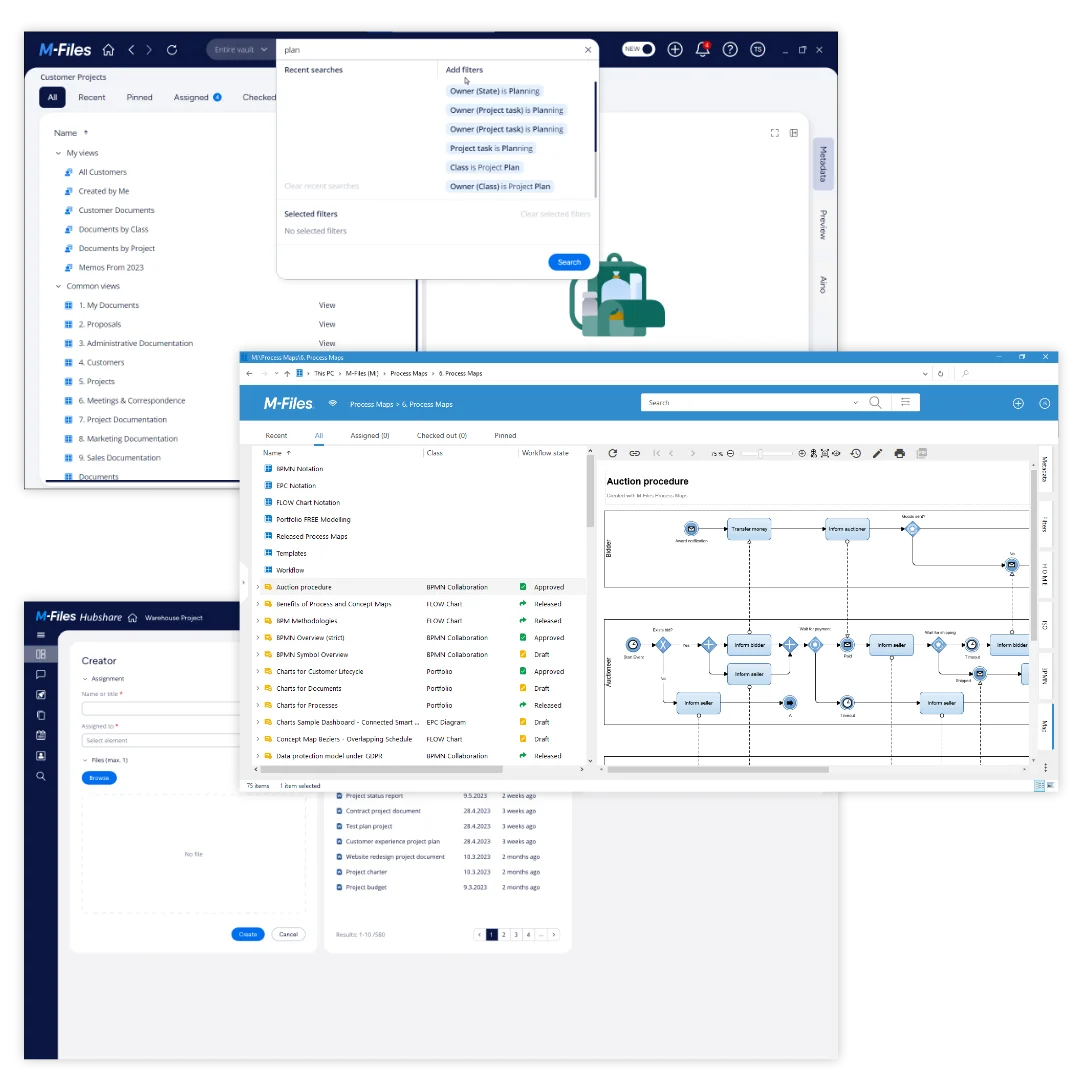
M-Files is fundamentally different from traditional folder-based systems.
Instead of organizing files by where they’re stored, it organizes information by what it is, using metadata and business context.
This approach delivers:
Automated document classification
Built-in retention and compliance controls
Advanced workflow automation
Secure external collaboration
Structured governance without manual labeling
Native Microsoft 365 Experience
M-Files is built to extend Microsoft 365 capabilities and includes:
Desktop co-authoring
Microsoft 365 collaboration tools
Copilot access to structured, trusted content
Microsoft Purview governance alignment
Rather than replacing Microsoft 365, M-Files enhances it for more advanced use cases.
Choosing the Right Solution for Your Business

If you need:
Simple collaboration?
Basic internal file storage?
Minimal workflow automation?
SharePoint may be sufficient.

If you need:
Structured file management?
Strong SMB-level governance?
Secure external sharing?
Egnyte may be a good fit.

If you need:
Advanced workflow automation?
Automated compliance controls?
Context-driven AI readiness?
Cross-department document governance?
Integration with business processes?

M-Files is likely the better long-term investment.
What are the key benefits of using Egnyte?
Egnyte provides advanced ransomware detection, intelligent content governance, and secure file sharing with granular permissions, all within a scalable hybrid cloud platform designed for remote teams.
How does Egnyte support compliance and security?
Egnyte offers advanced DLP features and secure content sharing, ensuring businesses meet regulatory requirements and keep sensitive data protected.
Which industries benefit most from Egnyte’s compliance features?
Egnyte is ideal for industries like AEC, legal, and financial services, where managing compliance and securing sensitive data are top priorities.
Does Egnyte offer workflow automation?
Yes! Egnyte features workflow automation with templates and automation based on filenames and document types to streamline business processes and improve team efficiency.
How does M-Files enhance Microsoft 365 functionality?
M-Files integrates natively with Microsoft 365, allowing businesses to use co-authoring and collaboration features, improving document management while maintaining all Microsoft capabilities.
Why is M-Files ideal for regulated industries?
M-Files provides built-in compliance controls, such as automated document classification, retention policies, and security features that are crucial for industries like finance, healthcare, and legal.
How does M-Files support AI-driven content management?
With its metadata-driven architecture, M-Files enhances AI outputs by organizing content based on business context, making AI tools like Microsoft Copilot more accurate and relevant for business use cases.
Book a Document Management Consultation
If you’re researching document management solutions and want clarity before making a decision, let’s talk.
We’ll provide:
A structured needs assessment
A platform comparison tailored to your business
A compliance and governance evaluation
A practical implementation roadmap
Book your document management consultation today and make a confident, informed decision.
Frequently Asked Questions
Can’t Find What You’re Looking For?
We'd Love to Chat With You
What is document management software?
Document management software is a digital system that helps businesses store, organize, find, and manage their documents in one secure place. Instead of relying on scattered folders, shared drives, and email attachments, a document management platform keeps files connected and easy to locate using search, metadata, and structured workflows.
This helps teams reduce time spent searching for information, improve collaboration, and maintain control over important documents.
What is the best document management software?
The best document management software is one that helps your team easily find information, maintain version control, automate workflows, and keep documents secure. Solutions like M-Files stand out because they organize documents based on what they are rather than where they are stored, using metadata to connect information across systems.
This approach helps businesses reduce information chaos, improve productivity, and ensure teams always work from the most accurate version of a document.
What does a document management system do?
A document management system centralizes business documents and makes them easier to access, manage, and protect. It allows organizations to store files securely, search and retrieve documents quickly, automate approvals or workflows, and maintain version control so everyone works from the latest information.
By connecting documents across platforms and applying permissions and audit trails, a document management system also improves compliance, collaboration, and overall efficiency.